Quick Take
Overall Score: 8.3/10
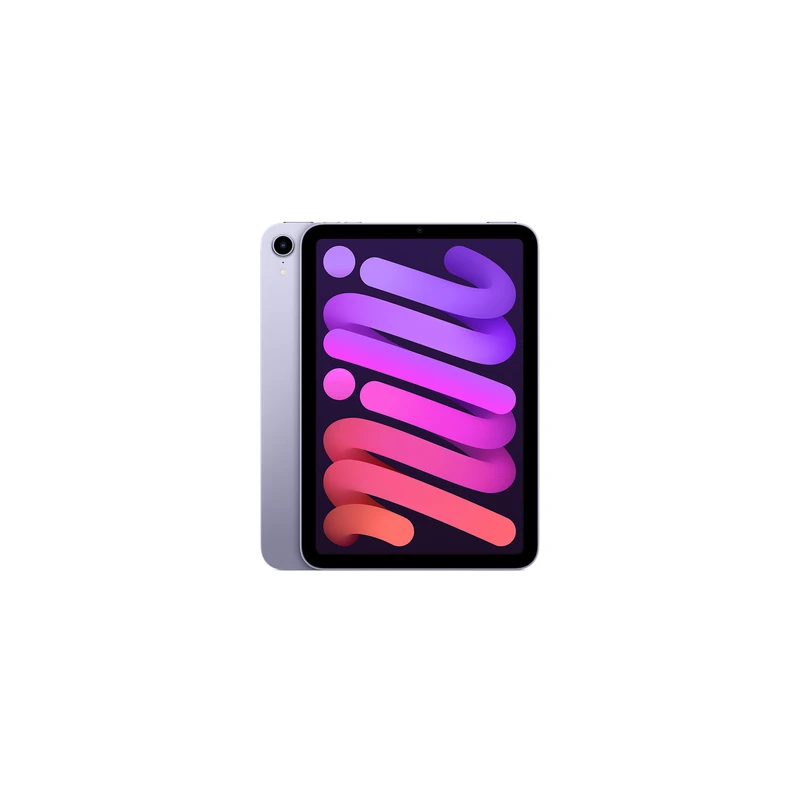
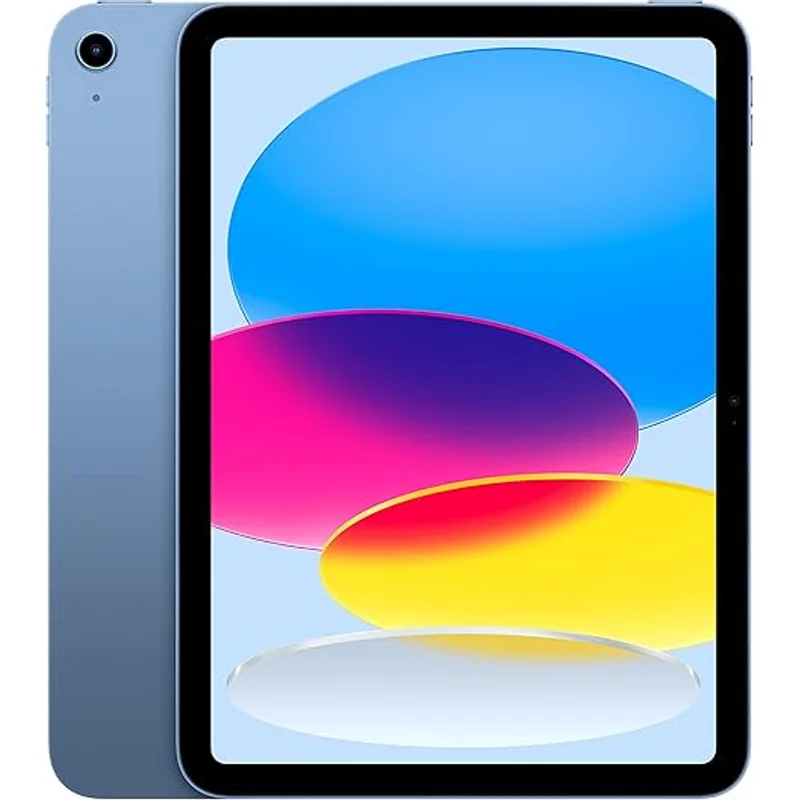
The iPad 10th Generation is the best tablet you can buy, period. It has a gorgeous Liquid Retina display, the powerful A14 Bionic chip, 5-7 years of software updates, and access to the best app ecosystem for education and creativity. If money were no object and you wanted the absolute best experience for your child, this is it.
But money is an object for most families. At $449 (plus $50-100 for a case, plus $99-129 for Apple Pencil if you want drawing), the iPad costs 3x what a Fire HD Kids tablet costs. And unlike Amazon Kids+, Apple does not include a curated educational library—you are paying for apps individually.
The Verdict: Buy the iPad if your child is creative (drawing, music, video), if your family already uses Apple devices, or if you need a tablet that will grow with them into middle and high school. Skip it if you just want a durable kids device with good parental controls at a reasonable price.
What We Tested
I tested the iPad 10th Generation as a kids device for 8 months, setting it up with Screen Time parental controls and comparing the experience to Amazon Fire Kids tablets. My testing focused on how well the iPad works specifically for families with children ages 6-12.
Safety Analysis: Screen Time Is Powerful But Requires More Setup
Screen Time Parental Controls
Apple Screen Time is genuinely powerful:
- App limits per category or specific apps
- Downtime scheduling when only allowed apps work
- Content restrictions by age rating
- Communication limits for who they can contact
- Ask to Buy requiring approval for purchases and downloads
- Screen Distance warning when holding device too close
The key difference from Amazon: Screen Time requires more manual configuration. You are building the guardrails yourself rather than getting age-based presets. For tech-savvy parents, this flexibility is a feature. For parents who want it to just work, it is more effort.
Privacy: Apple Wins Here
Apple collects significantly less data than Amazon. App Tracking Transparency forces apps to ask permission before tracking. The orange dot shows when camera/mic is in use. For privacy-conscious families, this is a meaningful advantage.
Content Curation: You Are On Your Own
Apple does not have an equivalent to Amazon Kids+. You can restrict by age rating, but there is no curated library of educator-approved content included. You will discover and purchase apps individually.
Khan Academy Kids is free and excellent. PBS Kids is free. But building a comprehensive educational library requires research and often spending.
Durability: Bring Your Own Case
The iPad is aluminum and glass. It will crack if dropped without a case. Apple does not include a case—budget $50-100 for a kid-proof option like OtterBox.
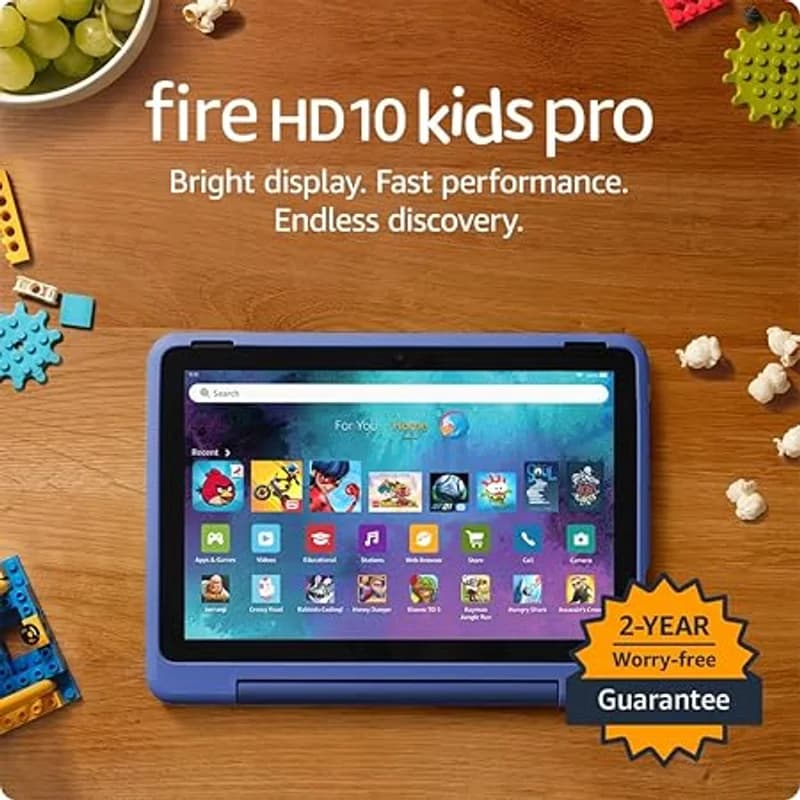
AppleCare+ ($79 for 2 years) covers accidental damage but with service fees ($29-49 per incident). Compare to Amazon's worry-free guarantee which replaces with no fees.
Efficacy: Best Display, Performance, and App Ecosystem
This is where iPad genuinely earns its premium.
Display Quality
The 10.9-inch Liquid Retina display is visibly better than any competitor. Colors pop, text is sharp, and brightness handles outdoor use. For reading, drawing, and watching educational content, the display quality matters.
Performance
The A14 Bionic chip handles everything smoothly. No lag in apps, instant response, and enough power for video editing, music creation, and demanding games. This tablet will feel fast for 5+ years.
App Ecosystem
The iPad app store has the best selection of tablet-optimized educational and creative apps:
- Procreate ($13) for professional-quality drawing
- GarageBand (free) for music creation
- iMovie (free) for video editing
- Swift Playgrounds (free) for learning to code
- Explain Everything for interactive learning
- Every major educational platform has iPad-first apps
For creative kids, no other platform comes close.
Apple Pencil Support
The iPad 10th Gen supports Apple Pencil USB-C ($79) for drawing, note-taking, and handwriting practice. The drawing experience is dramatically better than any stylus on a Fire tablet.
Software Updates
Apple supports iPads for 5-7 years with major OS updates. A 2022 iPad will likely receive updates through 2028-2029. This longevity partially justifies the higher price.
Value: Premium Price, Premium Experience
Total 3-year cost comparison:
- iPad 10th Gen 64GB: $449
- Kid-proof case: $70
- AppleCare+ (2 years): $79
- Apple Pencil USB-C: $79 (if wanted)
- Educational apps: $50-150
- Total: $648-827
This is 2-3x the cost of a Fire HD Kids Pro setup. The question is whether your family will benefit from the premium.
Who Should Buy This
1. Creative kids: If your child loves drawing, music, or video, the iPad + Apple Pencil combination is unmatched.
2. Apple families: If you have iPhones and Macs, Family Sharing and ecosystem integration make the iPad seamless.
3. Kids who will use it into middle/high school: The iPad grows with them—it is a legitimate productivity device, not just a kids tablet.
4. Privacy-focused families: Apple collects less data and gives you more control.
5. Families who value quality over economy: If you would rather buy one excellent device than replace cheaper ones.
Who Should Skip
1. Families on a budget: The Fire HD 10 Kids Pro delivers 80% of what most kids need for one-third the price.
2. Young kids (under 6): iPads are not designed for toddlers. Dedicated kids tablets are more appropriate.
3. Families who want included content: You are building the app library yourself.
4. Kids who are hard on devices: Without the worry-free guarantee, a broken iPad stings more.
The Bottom Line
The iPad 10th Generation is the best tablet for kids who will use its advantages: creative apps, Apple Pencil, premium display, and long software support. It is not the best value for families who need a durable kids device with simple parental controls and included content.
My recommendation: Buy the iPad if creativity, app quality, or Apple ecosystem integration matter to your family. Otherwise, save $400 and get the Fire HD 10 Kids Pro.
Sources
- Apple iPad 10th Generation Technical Specifications. Apple.com. 2022.
- Apple Screen Time Documentation. 2025.
- Wirecutter Best Tablets for Kids. 2025.
- Consumer Reports Tablet Ratings. 2025.