Quick Take
Overall Score: 7.9/10
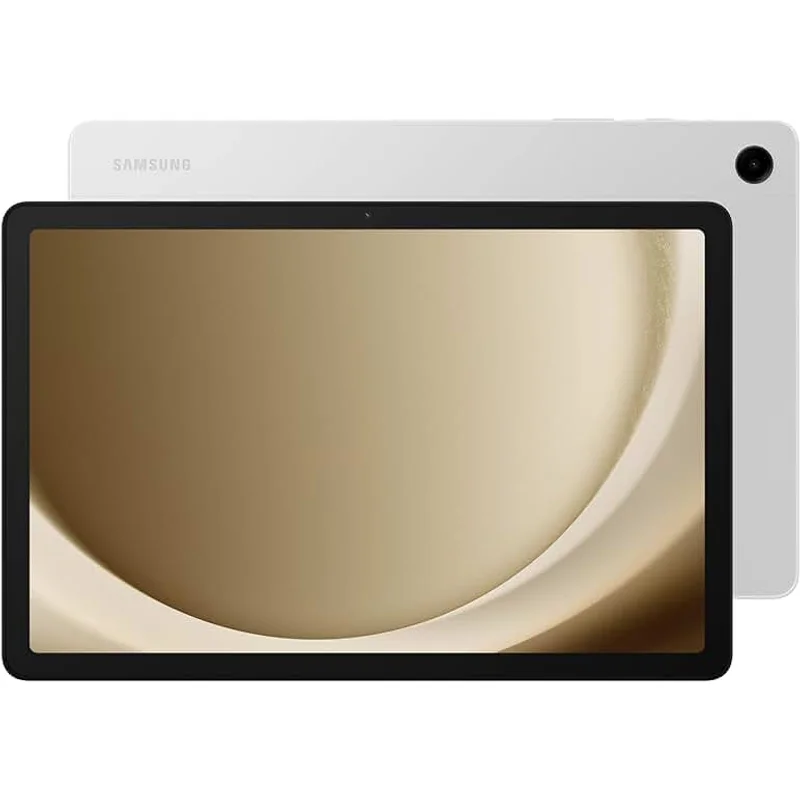
The Samsung Galaxy Tab A9+ occupies an interesting middle ground: more capable than Fire tablets, less expensive than iPads, with access to the full Google Play Store. For families who want a "real" Android tablet that kids can use now and grow into later, it is a reasonable choice.
But it has a fundamental problem: Samsung Kids Mode parental controls are not as robust as Amazon's Parent Dashboard or Apple's Screen Time. You get basic screen time limits and app blocking, but not the comprehensive educational goals, content curation, or remote management that makes Amazon Kids+ so effective.
The Verdict: The Tab A9+ is best for families who prioritize Google Play Store access and Android flexibility over the walled-garden safety of dedicated kids tablets.
What We Tested
I tested the Galaxy Tab A9+ for 4 months, setting it up in Samsung Kids Mode for my 9-year-old niece and comparing parental control effectiveness to Fire HD and iPad.
Safety Analysis: Parental Controls Need Work
Samsung Kids Mode
Samsung Kids Mode creates a kid-friendly launcher with:
- App whitelisting (you choose which apps appear)
- Screen time limits (daily totals)
- Play time goals (optional educational requirements)
- Kid-friendly interface with larger icons
What is Missing
- No remote management—you cannot adjust settings from your phone
- No usage reports—limited visibility into what kids actually do
- No content curation—you decide which apps are safe, no educator guidance
- No communication limits—cannot restrict who they contact
- Less effective web filtering—Samsung Browser filtering is basic
Compared to Amazon Parent Dashboard, Samsung Kids Mode feels like a first draft. It works for basic protection but lacks the sophistication parents expect.
Privacy
Samsung and Google both collect data, though you can limit this in settings. The privacy profile is better than Amazon but worse than Apple.
Durability
The Tab A9+ is a standard Android tablet—plastic and glass, no case included. You need to purchase a kid-proof case ($30-50) to protect against drops.
Performance: Better Than Fire Tablets
The Tab A9+ has a MediaTek Helio G99 processor with 4GB RAM—noticeably faster than Fire HD tablets.
Where It Shines
- Smooth Roblox and Minecraft performance
- Snappy app switching
- Good multitasking
- Full Google Play Store access (more apps than Amazon)
Display
The 11-inch 1920x1200 display is larger and sharper than the Fire HD 10. Colors are decent, brightness is adequate. Not iPad quality, but good for the price.
Battery Life
Samsung claims 15 hours; I got 9-11 hours real-world with kids usage. Adequate for most use cases.
Value: Middle of the Pack
Total 3-year cost:
- Galaxy Tab A9+: $220
- Kid-proof case: $40
- Educational apps: $50-100
- Extended warranty (optional): $50
- Total: $310-410
This is more expensive than Fire HD ($246-296 total) but less than iPad ($648-827 total). The question is whether Google Play Store access and better performance justify the difference.
The Google Play Store Advantage
The primary reason to choose the Tab A9+ over Fire tablets is Google Play Store access:
- More apps available than Amazon Appstore
- Official Google apps (Gmail, Drive, YouTube Kids)
- Better app quality for many titles
- Some school-required apps only on Google Play
If your school requires specific apps only available on Google Play, this becomes a significant advantage.
Who Should Buy This
1. Families who need Google Play Store access for school apps
2. Parents who want better performance than Fire tablets without iPad pricing
3. Kids who will transition to full Android tablet use as they age
4. Families comfortable manually managing apps and screen time
5. Those who want flexibility over walled-garden safety
Who Should Skip
1. Families who want robust parental controls—Amazon or Apple are better
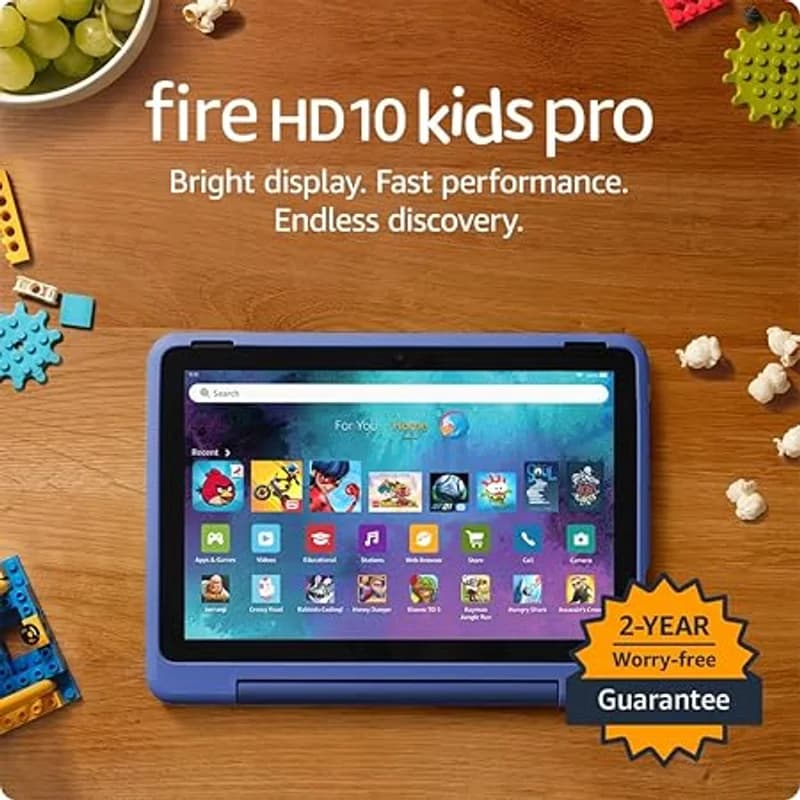
2. Budget-conscious families—Fire HD delivers more value with included content
3. Parents who want set-it-and-forget-it screen time management
4. Young children (under 6)—Samsung Kids Mode is not as refined
The Bottom Line
The Samsung Galaxy Tab A9+ is a capable mid-range tablet at a fair price, but its parental controls are weaker than dedicated kids tablets. It makes sense for families who prioritize Android flexibility and Google Play Store access over comprehensive parental management.
My recommendation: Choose Fire HD for younger kids or families who want robust parental controls. Choose the Tab A9+ if you need Google Play apps or want a tablet kids can grow into with fewer restrictions.
Sources
- Samsung Galaxy Tab A9+ Specifications. Samsung.com. 2024.
- Samsung Kids Mode Documentation. 2025.
- Consumer Reports Android Tablet Testing. 2025.